Viewing Documents
How can I view documents?
Desktop & Mobile
-
Click on the Files tab on the Profile page.
-
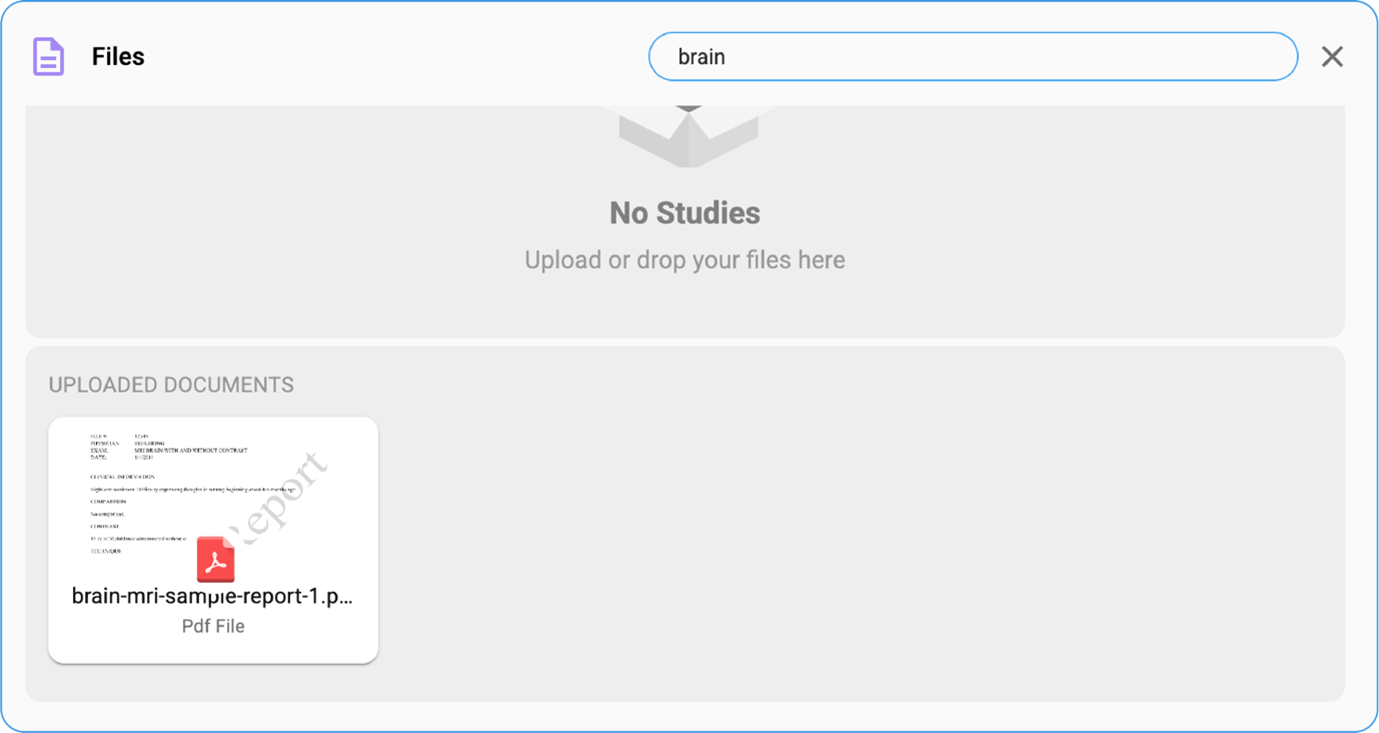
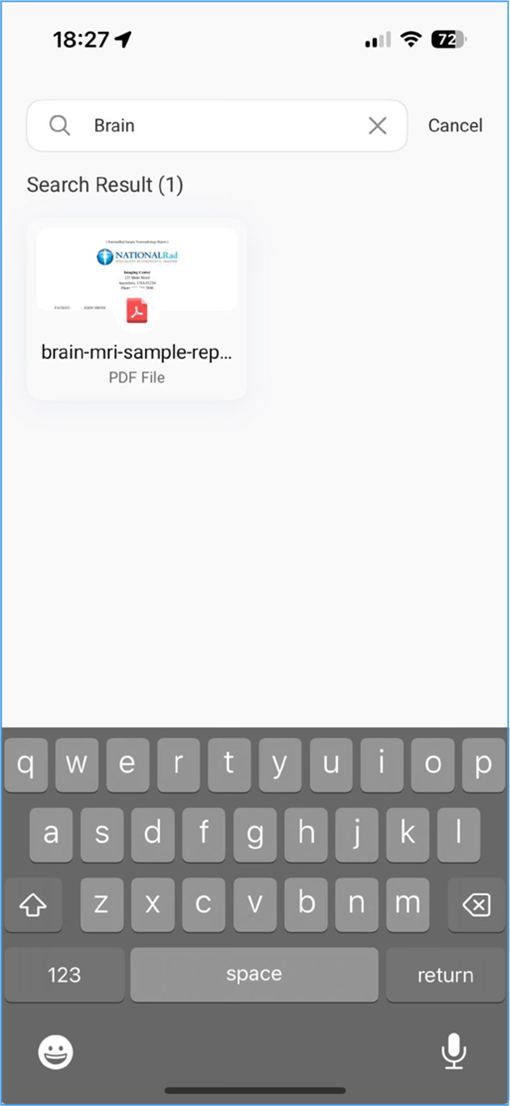
Use the Search Bar above the Files heading to search by text.
-
All uploaded documents, images, and videos will be displayed in tile format.
-
Click on a tile to open and view the document/image/video.